
How to Centralise Your Business Data in Microsoft 365 (Without Creating More Chaos)
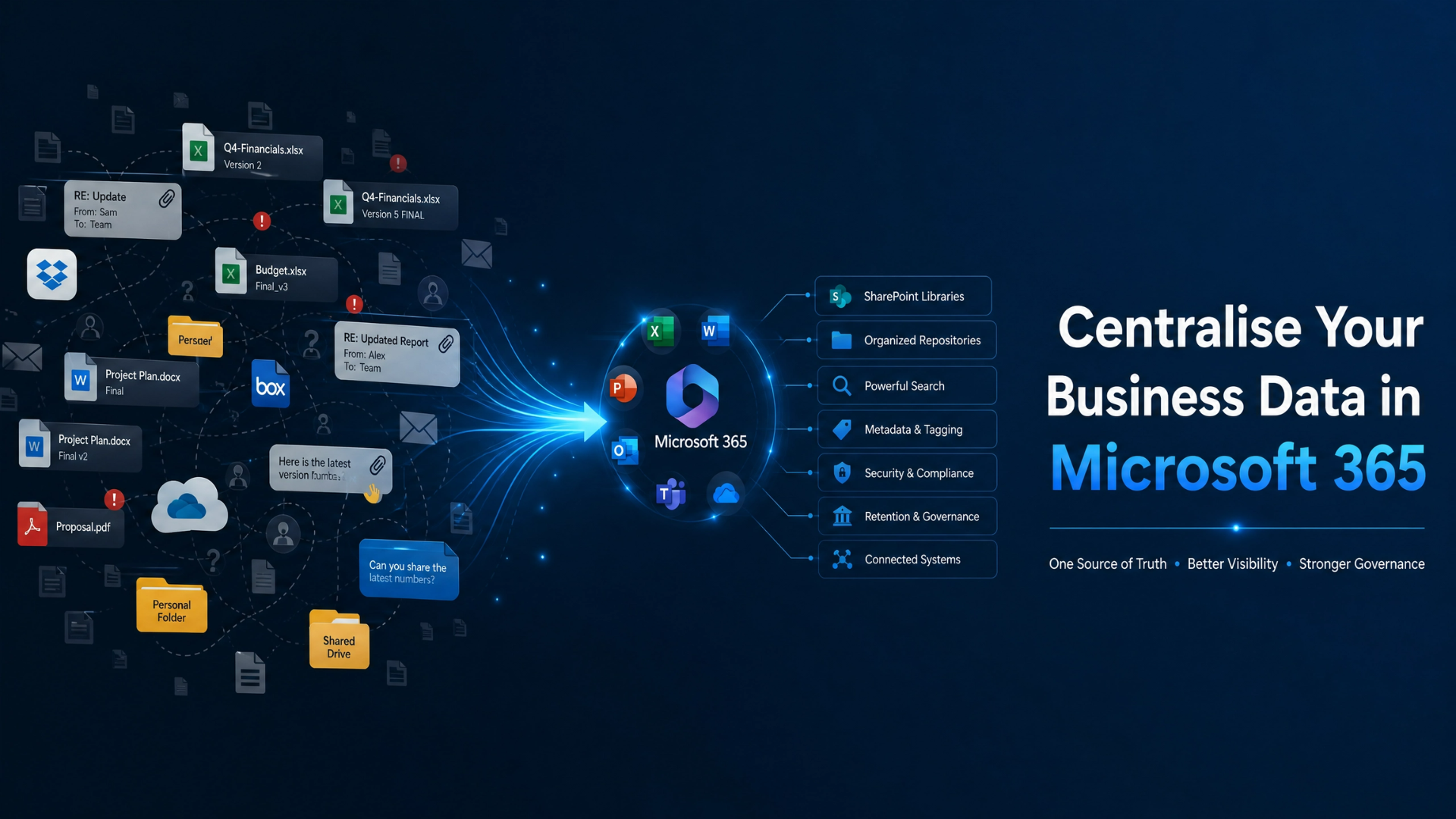
As businesses grow, information tends to spread everywhere.
Important files are stored in shared drives. Employees save documents to personal folders. Teams collaborate in Microsoft Teams. Reports are attached to emails. Critical spreadsheets live on someone's desktop.
Individually, these decisions seem harmless.
Collectively, they create an environment where information becomes difficult to find, difficult to trust, and difficult to manage.
Many businesses recognise the problem and decide to centralise their information. That's often the right decision—but it's also where many organisations make a costly mistake.
They move everything into Microsoft 365 without a clear plan.
Instead of solving the problem, they simply move the chaos to a new platform.
The goal isn't to put all your files in one place.
The goal is to create a structured, governed, and searchable information environment that supports productivity, collaboration, and future AI initiatives.
Let's explore how to centralise business data in Microsoft 365 the right way.
Why Most Businesses Struggle to Find Information
Information fragmentation is one of the most common challenges facing growing organisations.
Business information often exists across:
Email attachments
Shared drives
Personal folders
Microsoft Teams chats
OneDrive accounts
Legacy file shares
Spreadsheets
Business applications
Over time, no single person knows where everything lives.
Employees begin asking questions like:
"Which version should I use?"
"Has anyone seen the latest file?"
"Can somebody send me that report again?"
"Where was that document stored?"
At first, these seem like minor inconveniences.
But they create significant inefficiencies across the organisation.
The real issue isn't necessarily storage.
It's a lack of data visibility.
When businesses don't fully understand where information exists, they struggle to manage it effectively.
Why Centralising Data Matters
Many businesses assume centralisation is primarily an IT initiative.
In reality, it's a business initiative.
Centralising information creates benefits that extend far beyond technology.
Better Productivity
When employees know where information belongs, they spend less time searching and more time working.
Information becomes easier to locate, share, and update.
Improved Collaboration
Teams work from the same information sources.
Duplicate files are reduced.
Version confusion becomes less common.
Stronger Business Continuity
Critical information becomes less dependent on individual employees.
Knowledge remains accessible even when team members leave or change roles.
Greater Trust in Information
Employees gain confidence that they're working with accurate and current information.
Stronger Foundation for Automation and AI
Automation and AI require information that is accessible, structured, and trusted.
Centralisation helps create that foundation.
What "Centralised Data" Actually Means
One of the biggest misconceptions about centralisation is that everything should live in a single folder or repository.
That's not what effective centralisation looks like.
Centralisation isn't about putting everything in one place.
It's about ensuring information exists in the right place and can be easily found when needed.
A well-designed Microsoft 365 environment creates a single source of truth.
This means:
Employees know where authoritative information lives.
Information ownership is clear.
Duplicates are reduced.
Governance standards are applied consistently.
In other words, information becomes organised by purpose rather than scattered by convenience.
Understanding the Role of SharePoint, OneDrive, and Teams
One reason businesses struggle with Microsoft 365 is that they don't fully understand how the different platforms work together.
Each tool has a distinct purpose.
OneDrive: Personal Work
OneDrive is designed for individual work.
It's the right place for:
Draft documents
Personal notes
Files still in development
Temporary working files
Think of OneDrive as:
My work.
It supports individual productivity but should not become the permanent home for business-critical information.
Microsoft Teams: Collaboration
Teams is designed for communication and collaboration.
It allows employees to:
Share updates
Conduct meetings
Collaborate on projects
Work together on documents
Teams helps people work together efficiently.
However, conversations should complement information management—not replace it.
SharePoint: Organisational Knowledge
SharePoint is the foundation of effective Microsoft 365 data management.
It provides:
Document libraries
Metadata
Version control
Permissions management
Governance capabilities
This is where organisational knowledge should live.
Think of SharePoint as:
Our information.
It serves as the long-term repository for business-critical content.
Common Mistakes Businesses Make When Centralising Information
Technology alone doesn't solve information management problems.
Without careful planning, centralisation efforts can create new challenges.
Moving Everything Without Structure
Some organisations migrate files without first understanding what information exists.
The result is often:
Duplicate content
Outdated documents
Redundant information
Before moving files, businesses should identify what is actually worth keeping.
Ignoring Governance
Centralisation without governance creates a larger version of the original problem.
Information may exist in one platform, but employees still don't know:
Who owns it
Who can access it
Which version is correct
Before centralising information, businesses should establish clear data governance practices around ownership, access, information quality, and accountability.
Without governance, it's easy to move information into Microsoft 365 while bringing old problems with it.
Recreating Legacy Folder Structures
One of the most common mistakes is rebuilding old file-share environments inside SharePoint.
Businesses often migrate:
Department
  └─ Folder
        └─ Folder
              └─ Folder
                    └─ File
without reconsidering whether the structure is still effective.
Modern information management relies more heavily on metadata, search, and information architecture than deep folder hierarchies.
Lack of Ownership
Information ownership is frequently overlooked.
Without ownership:
Data quality declines
Content becomes outdated
Governance weakens
Every critical information asset should have a responsible owner.
A Practical Framework for Centralising Data in Microsoft 365
Successfully centralising information requires a structured approach.
Step 1: Audit Existing Information
Begin by understanding what information exists today.
Identify:
Systems in use
File repositories
Shared drives
Personal storage locations
The goal is visibility.
Step 2: Identify Business-Critical Information
Not every file needs to be migrated.
Focus on information that supports:
Business operations
Customer service
Compliance
Financial management
Organisational knowledge
Step 3: Define Ownership
Determine who is responsible for:
Information quality
Maintenance
Governance
Access management
Ownership drives accountability.
Step 4: Build Information Architecture
Design the environment before migrating files.
This includes:
SharePoint sites
Document libraries
Metadata structures
Navigation
Permissions
Information architecture should support how the business actually works.
Step 5: Migrate and Clean Up
Only migrate information that provides value.
Use migration as an opportunity to:
Remove duplicates
Archive obsolete content
Improve consistency
Step 6: Establish Governance
Create practical standards around:
Storage
Naming conventions
Sharing
Retention
Permissions
Governance helps ensure information remains organised after migration is complete.
How Data Centralisation Supports AI Readiness
Many organisations are exploring Microsoft Copilot, AI assistants, and automation.
However, AI relies on information.
If information is fragmented across multiple systems, AI struggles to provide meaningful results.
When business information becomes centralised:
Search improves
Context improves
Data quality improves
Accessibility improves
This makes information easier for employees—and AI—to discover and use.
This is why many organisations find that AI readiness begins long before deploying AI tools.
It begins with creating a trusted information foundation.
Why Governance Must Come Before Centralisation
One of the most important lessons businesses learn is that centralisation and governance must work together.
Without governance:
Information still becomes duplicated.
Ownership remains unclear.
Quality declines over time.
Centralisation without governance simply creates:
A bigger mess in a better system.
Businesses that achieve long-term success typically establish governance principles before—or alongside—their centralisation efforts.
This ensures information remains:
Organised
Accurate
Secure
Trusted
long after migration is complete.
Final Thoughts
Most organisations don't struggle because they lack technology.
They struggle because information has evolved organically over time without a consistent structure.
Microsoft 365 provides a powerful platform for managing business information.
But technology alone isn't the answer.
The real solution is creating a structured information strategy that combines:
Visibility
Ownership
Governance
Architecture
Accessibility
When these foundations are in place, centralisation becomes more than a migration project.
It becomes a driver of productivity, collaboration, and AI readiness.
Because successful digital transformation doesn't start with moving files.
It starts with creating a better way to manage information.