

AI only works when your data does.
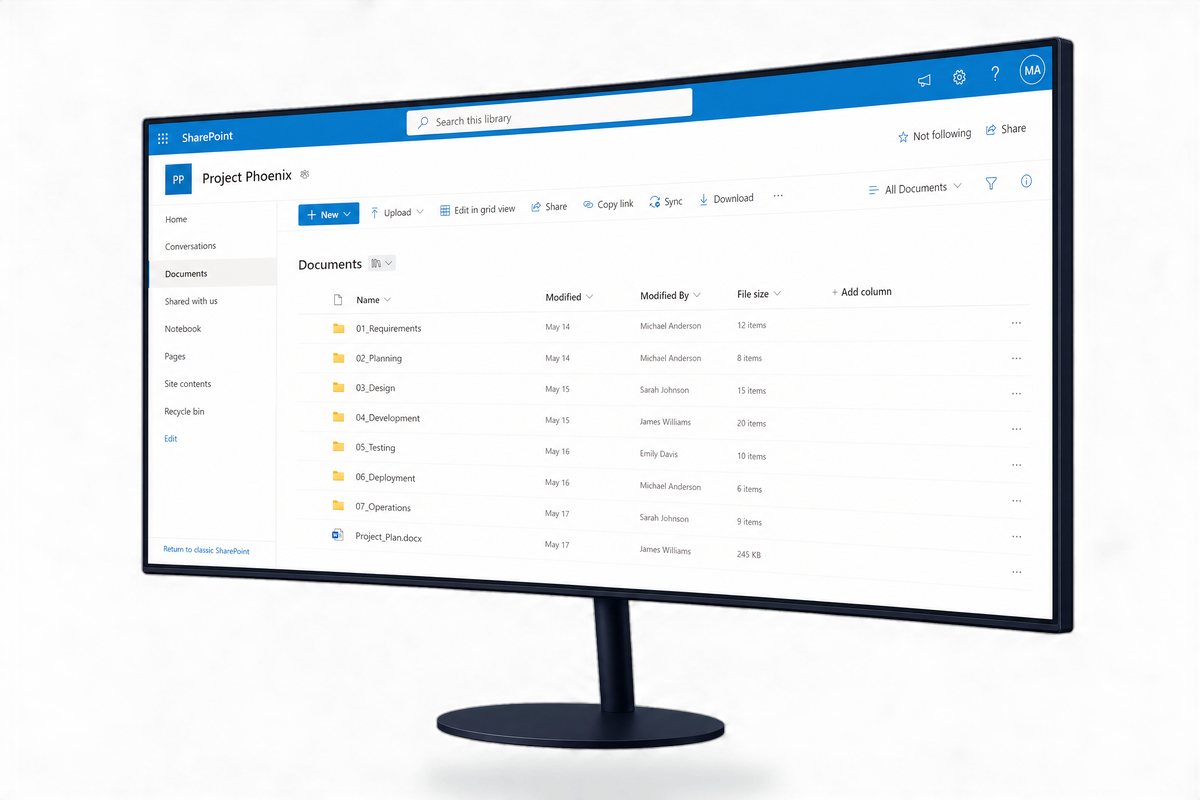
Most businesses jump straight to AI tools without sorting the data underneath them. We fix that — starting with how your business stores, structures, and governs information.
Most SMBs are sitting on data chaos — and AI makes it visible.
When AI tools go live, they surface everything a user has access to. If your SharePoint is a mess, your permissions are too broad, or your ex-staff still have access — AI finds all of it. Fast.
📁 Files everywhere, findable nowhere
Documents split across Teams channels, SharePoint sites, desktops, and OneDrive folders with no logical structure.
🔓 Permissions that haven't been reviewed in years
Ex-employees still in the system. Anonymous sharing links floating around. Sensitive data accessible to the whole company.
⏱️Retention policies that don't exist
No rules for how long files live, what gets archived, or what needs to be deleted. A compliance risk waiting to surface.
🤖 Copilot licences bought, but nothing to run it on
AI tools are only as good as the data they can access. If that data is messy, classified wrong, or overshared — poor data makes every AI tool worse.
Microsoft 365 data management, built for SMBs.
We clean up, structure, and govern your Microsoft 365 environment so your team can find what they need — and AI can work safely when you're ready for it.
🗂️
SharePoint Structure & Site Architecture
We build a logical SharePoint structure your team can actually navigate — hub sites, document libraries, naming conventions, and search that works. No more "which Teams channel was that in?”
📋
Retention & Data Lifecycle Policie
Rules for how long files live, what gets archived, and what gets deleted — configured to match your industry's compliance requirements. Clean data, defensible records, and less storage waste.
🔐
OneDrive & Permissions Review
A full audit of who has access to what across your Microsoft 365 tenant. We close off ex-staff access, remove anonymous sharing links, and set permission levels that match how your business actually operates.
🏷️
Data Classification & Sensitivity Labels
We tag sensitive data so it's controlled, not exposed. When AI tools go looking, they only find what they should. When you go looking, you know exactly what you have.
AI doesn't fix messy data. It amplifies it.
AI tools draw on everything a user has access to. That's the power of them — and the risk. If your SharePoint permissions are too broad, AI can surface content to people who shouldn't see it. If your data is disorganised, AI finds disorganised data.
Getting your Microsoft 365 environment structured isn't a nice-to-have before AI. It's a prerequisite. Every business that's got real value from AI tools like Copilot has done the data work first.
"AI is a tool. Data is the foundation. Without the second, the first is just a liability."
Ezynode's consulting approach starts with data structure before any AI tool is introduced. We've seen too many businesses invest in AI before their environment is ready — and pay for it with poor adoption, data exposure, and wasted spend.
Four steps, no surprises.
Discovery
We audit your current M365 environment — what's in SharePoint, who has access, what's at risk, and what needs fixing before anything else.
Structural Clean-Up
We reorganise sites, folders, and permissions into a logical structure your team can navigate — and that AI tools can work with safely.
Policy Setup
Retention policies, sensitivity labels, and data lifecycle rules configured for your business size and your industry's compliance requirements.
Handover & Training
We document everything we've built and train your team so the structure stays clean — not just for the next project, but long term.
Frequently Asked Questions
-
Microsoft 365 data management is the process of organising, securing, and governing the data your business creates inside tools like SharePoint, Teams, OneDrive, and Outlook. If your team struggles to find files, you've never reviewed who has access to what, or you're planning to use AI tools like Copilot — yes, you need it. For most SMBs we work with, the data clean-up is the single highest-impact IT project they've done in years.
-
Standard IT support keeps your systems running. Data management is about how the information inside those systems is organised, protected, and used. Most IT support providers won't proactively audit your SharePoint structure, review your sharing permissions, or set up retention policies — that's consulting work, and that's what this is.
-
Yes — and it's actually easier to get right at 20 staff than at 200. The smaller the team, the faster the clean-up and the more immediate the impact. Most of our SMB clients see meaningful improvements to how their team finds and uses information within the first few weeks after we've restructured their M365 environment.
-
Yes — and it's actually easier to get right at 20 staff than at 200. The smaller the team, the faster the clean-up and the more immediate the impact. Most of our SMB clients see meaningful improvements to how their team finds and uses information within the first few weeks after we've restructured their M365 environment.
-
Not legally, but practically — yes. Copilot surfaces content based on what a user has access to. If permissions are too broad, or your data is poorly structured, Copilot will find the wrong things and miss the right ones. Businesses that skip the data prep stage typically get very little value from their Copilot licences. We recommend completing a data management review before any Copilot rollout.
-
It depends on the size and state of your environment, but for most SMBs (10–100 staff) we complete the discovery and structural work within 2–4 weeks. Policy configuration and training adds another 1–2 weeks. We'll give you a clear timeline after the initial discovery session.
Ready to get your data in order?
Whether you're preparing for Copilot, cleaning up years of folder chaos, or just want to understand what you're actually working with — we can help. No jargon, no lock-in.